CurrentSky · In development
Your phone keeps the score.
An iPhone app that follows the ball with one camera, calls make or miss on the phone and shows where you really score.
Apply for the betaReconstructed from one iPhone camera.
Same shot, same camera
One shot, two views
Real footage on the left. On the right, the same shot rebuilt from the recovered iPhone camera.
The problem
Practising alone, nobody keeps count
A player practising alone has to count makes in their head and has no record of where they shoot well or badly. The aim: one iPhone on a stand does the counting. No sensors on the hoop, no account.
How it works
One iPhone on a stand
-
1
Set the phone
Put the iPhone on a stand at the side of the court or at about 45° to the hoop, with the whole hoop and backboard in the frame.
-
2
Check the rim
The app finds the rim itself and you check it. Marking the backboard corners is optional and enables 3D replays. Marking at least 3 of the 4 corners of the paint is required for workouts and challenges, optional in Quick start.
-
3
Shoot
The camera follows the ball. Make or miss is decided from the ball’s flight path around the rim.
-
4
Watch the count
The live screen shows running makes, accuracy and shots. You can correct the count with Cancel, Make or Miss.
-
5
See where you score
After the session: results, a chart of where each shot came from, and an automatically built short video to save or share.
On court
Live on court
Engine render of real footage with an overlay in the app’s style, not a phone screen recording.
Live
Four shots on a real court
All four called correctly.
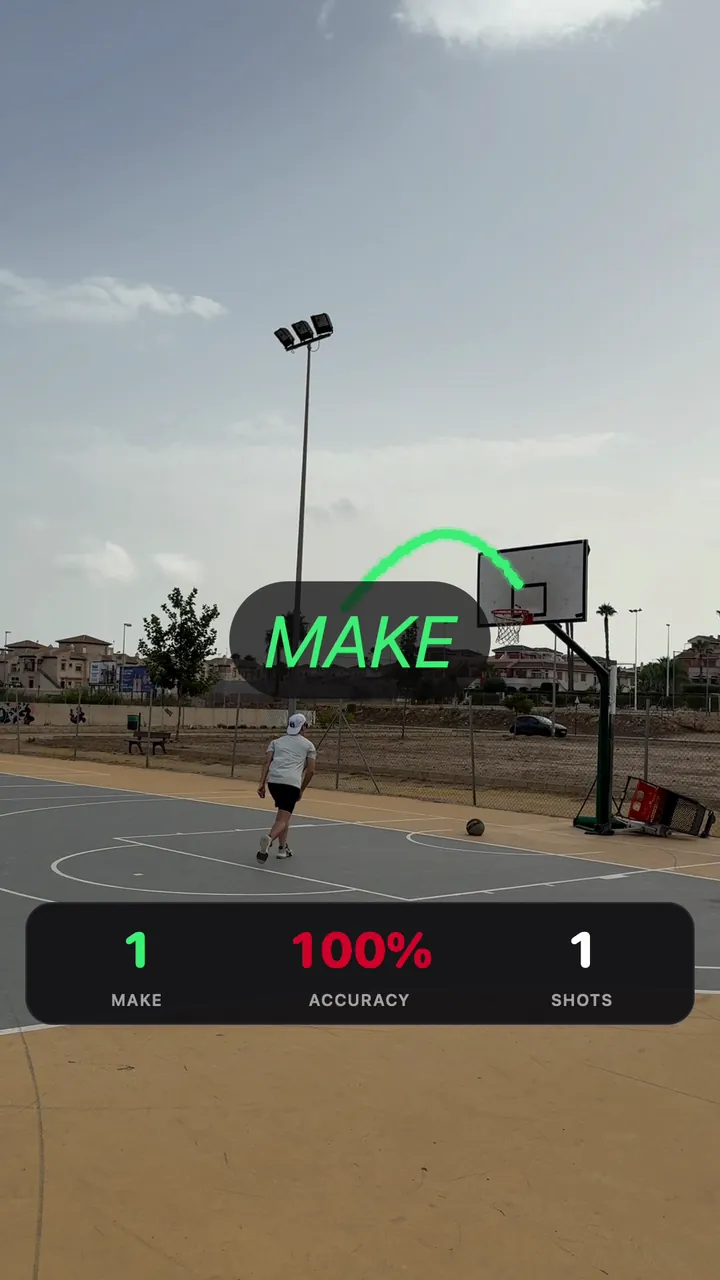
Ball path
Drawn as it flies
The ball path appears in flight.
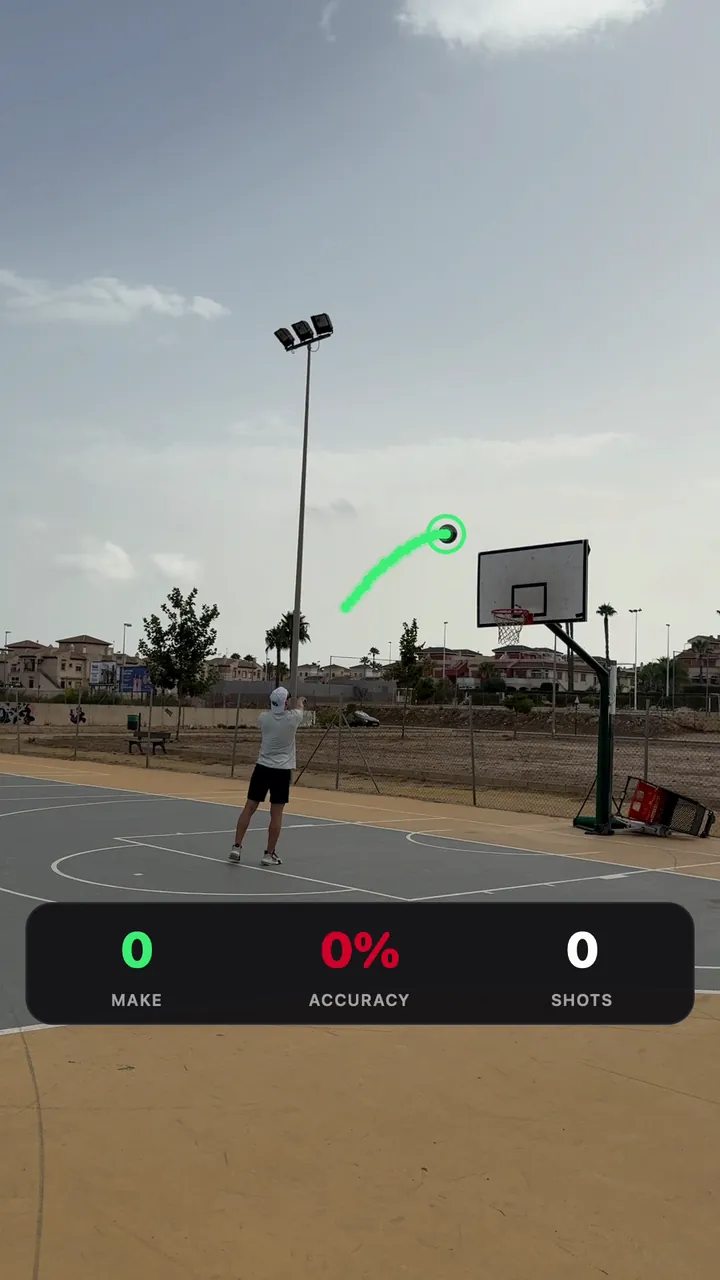
Make
Called on the phone
Ball path, the call and the score.
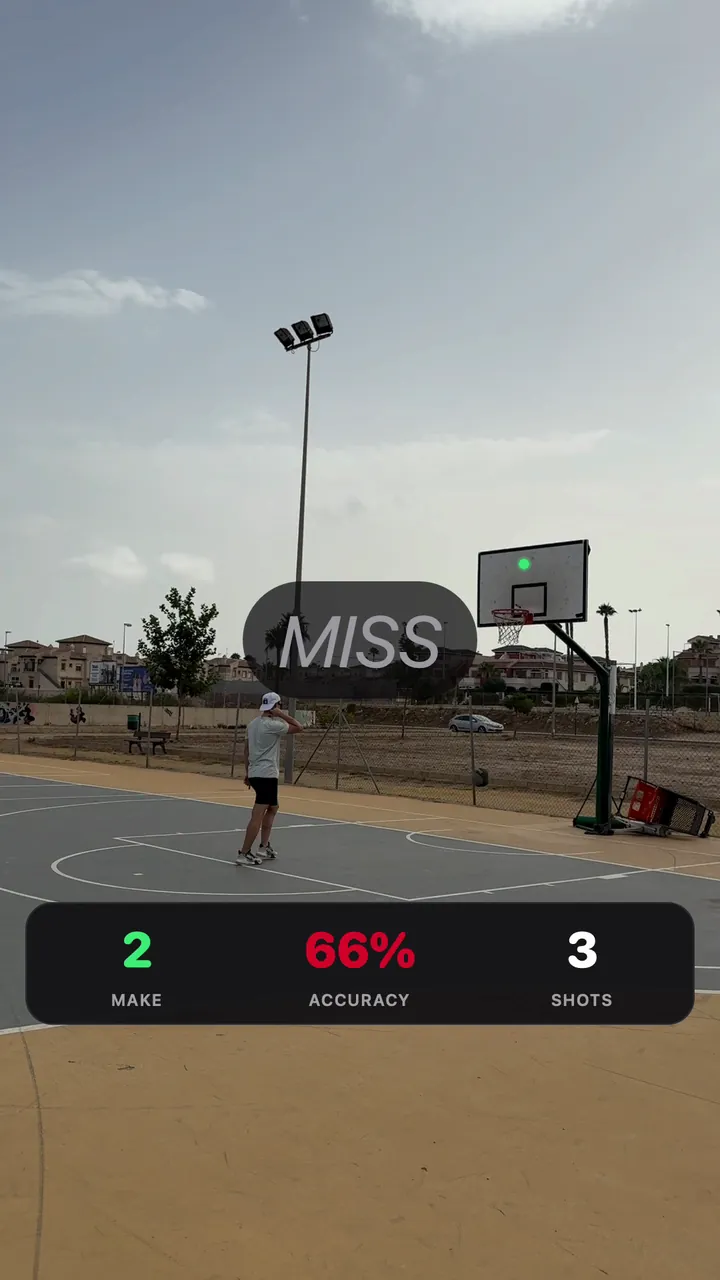
Miss
Not every shot goes in
The miss goes on the record, and you can correct any call.
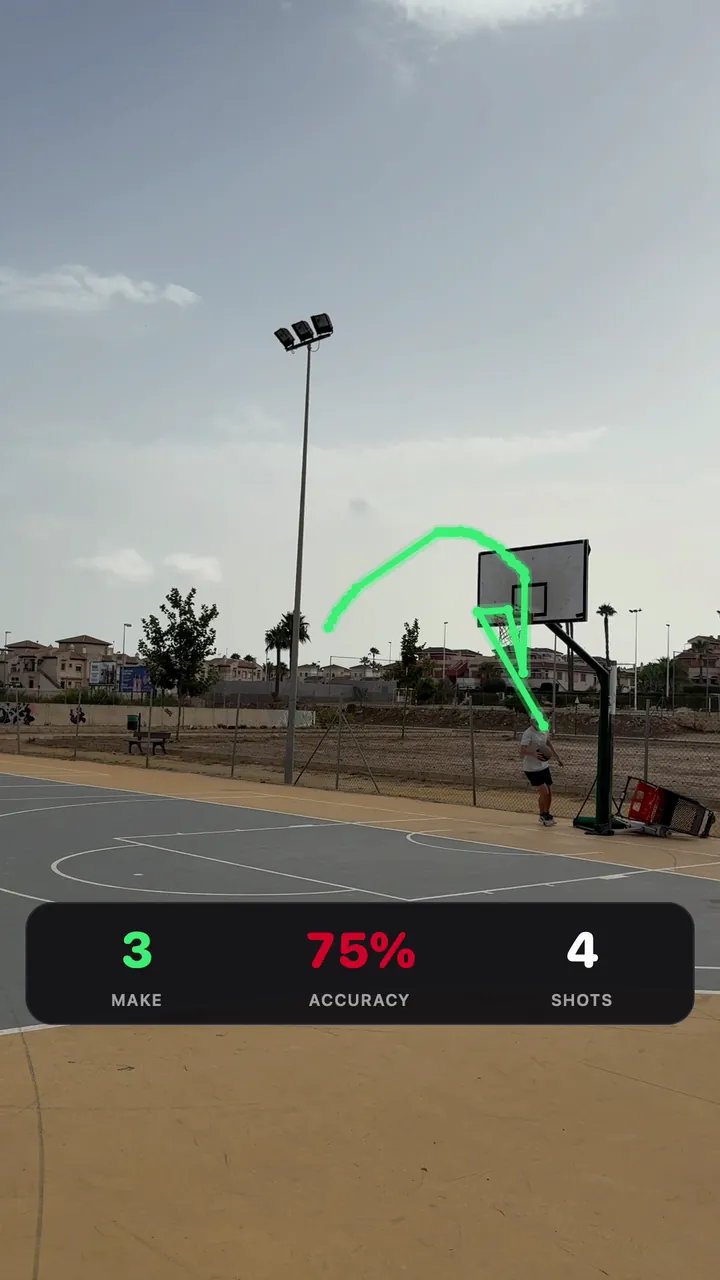
Score
3 of 4, 75%
Running makes, accuracy and shots.
3D reconstruction
The whole flight, from one camera
Reconstructed from one iPhone camera. The scene is drawn from the numbers; court lines are a standard layout, for orientation.
Side view
MakeMissAfter the backboard
Early estimate
4 shots
3 makes
- At the backboard
- ±2–3 cm
- Top of the arc
- ±5 cm
- Start of the flight, along the camera’s line of sight
- ±0.5–1 m
- Scale error
- up to about 7%
- Median reprojection error, 8.6 s shot
- 1.5 px
Reconstructed from one iPhone camera. All four shots come from one video and one spot on the court. The miss hit the backboard highest. Dashed lines show the ball after the backboard: the miss after the rim and the first frames of shot 2 are partly physics rather than measurement.
These clips are renders made from the reconstruction data, not screen recordings of the app. The backboard, rim and net are a standard layout. Ball spin is decorative.
The miss
Anatomy of a miss
It hits the board, then the front of the rim, and drops short.
The app
Inside the app
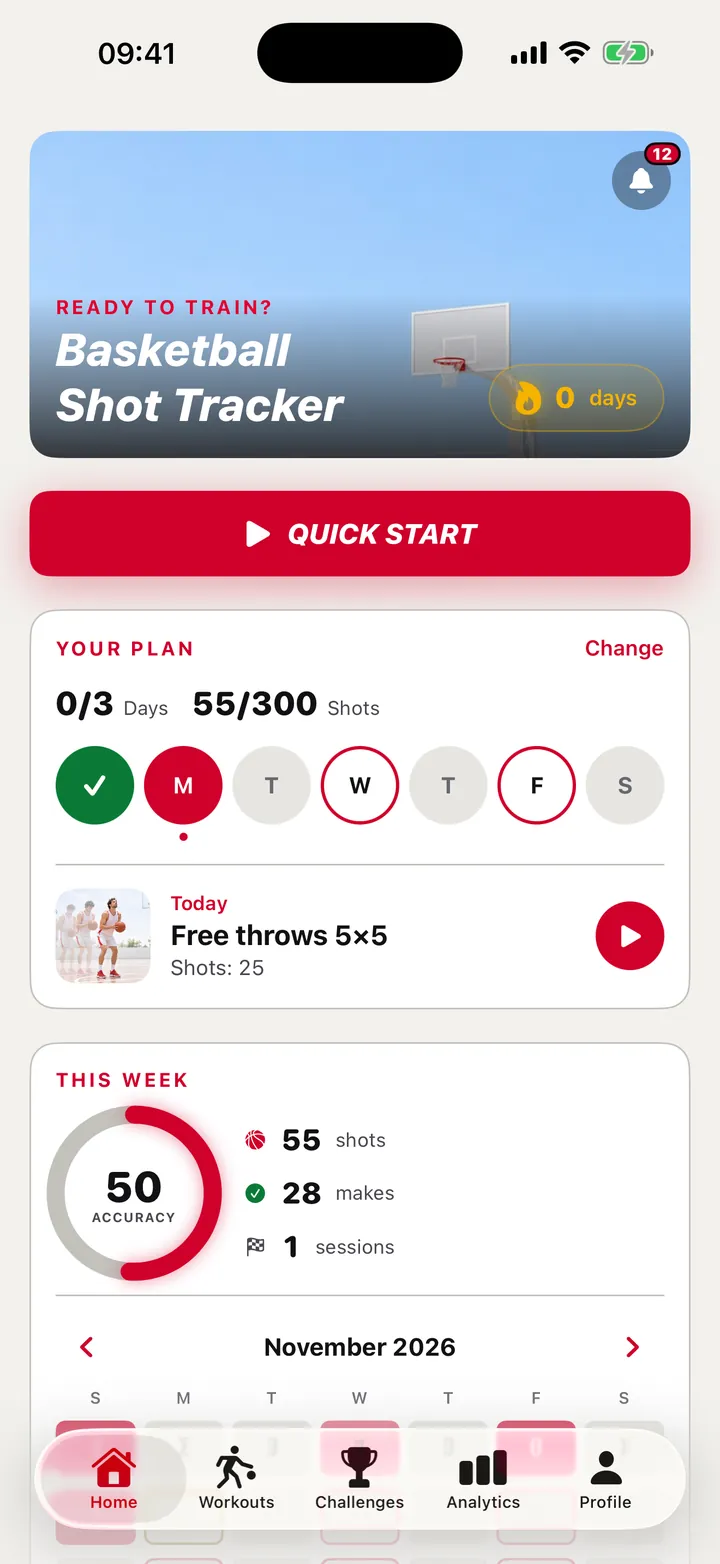
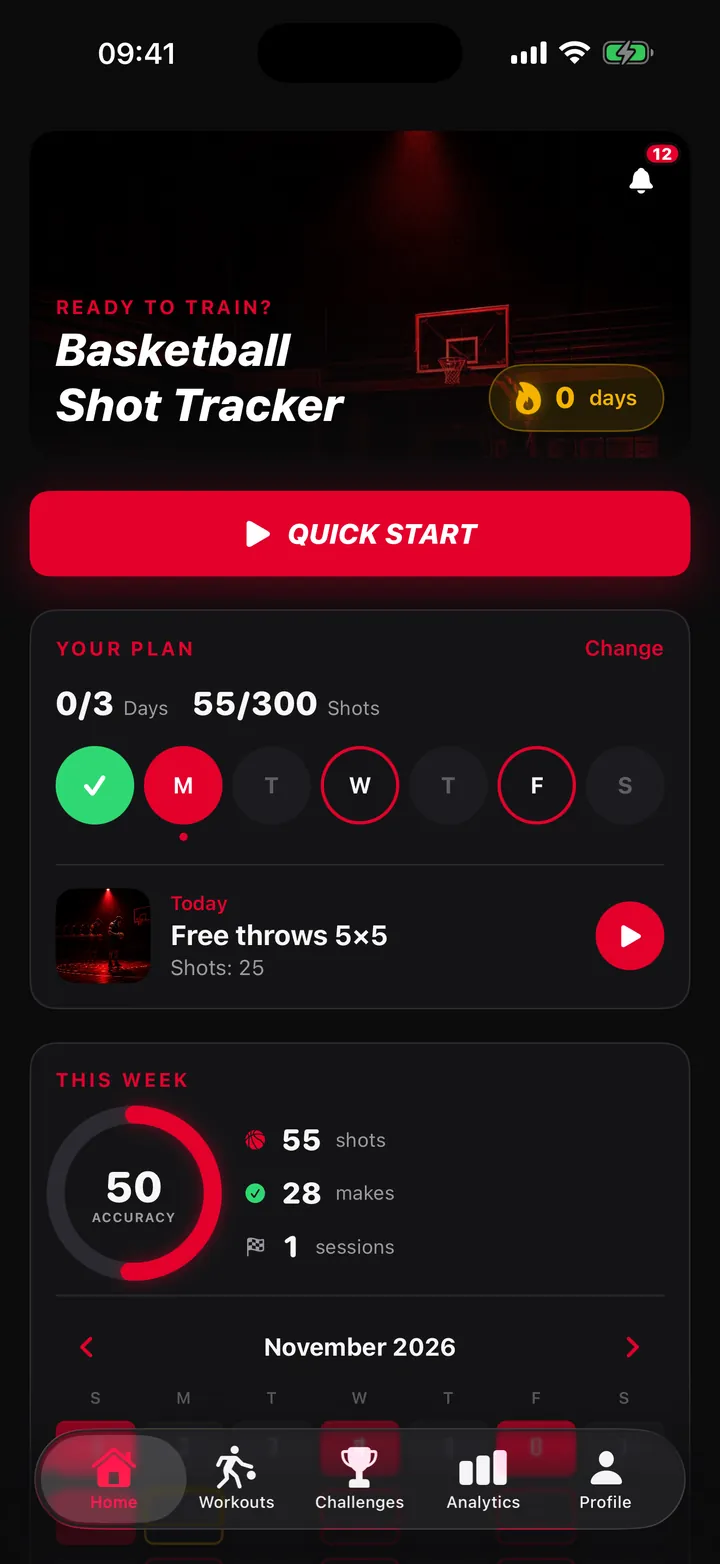
Home
Your plan at a glance
Today’s workout, your plan and the week so far.
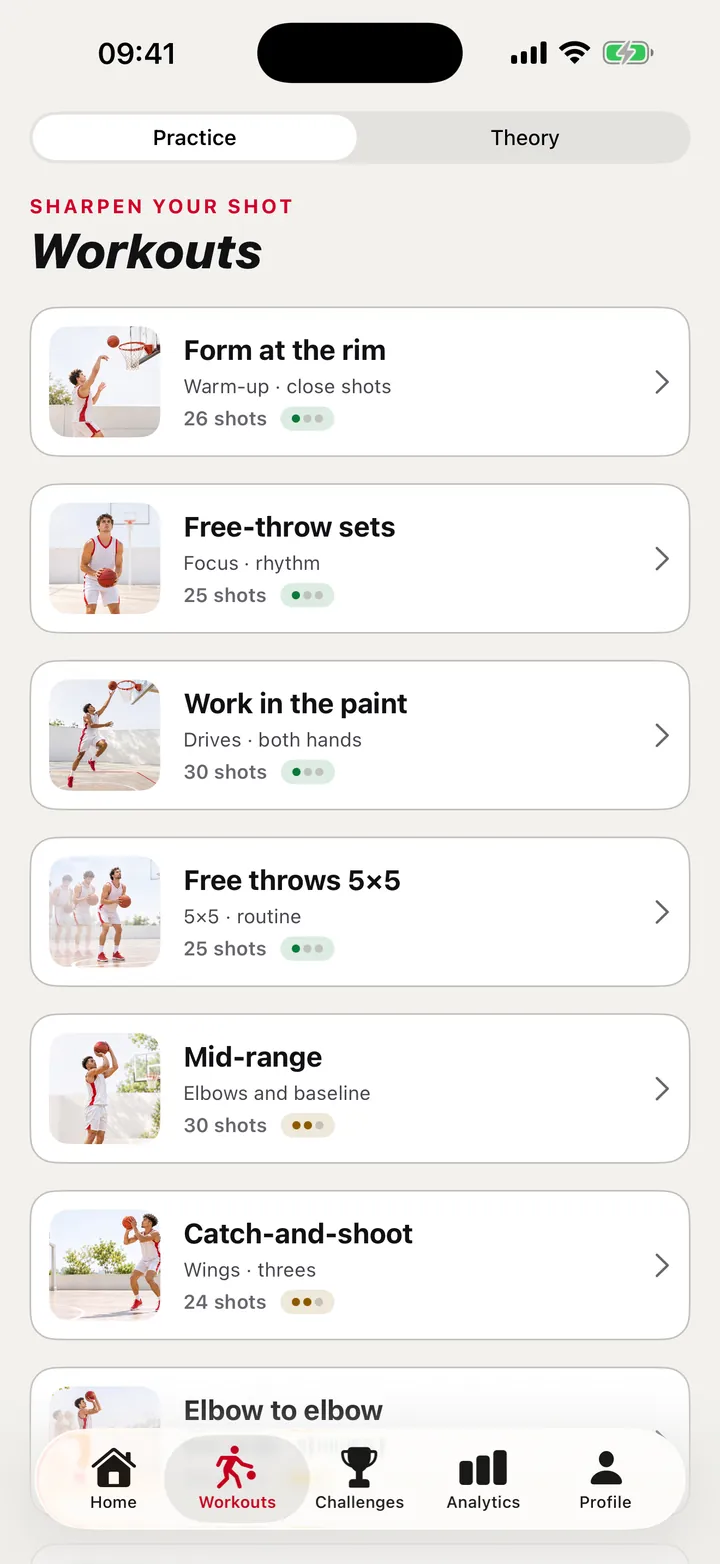
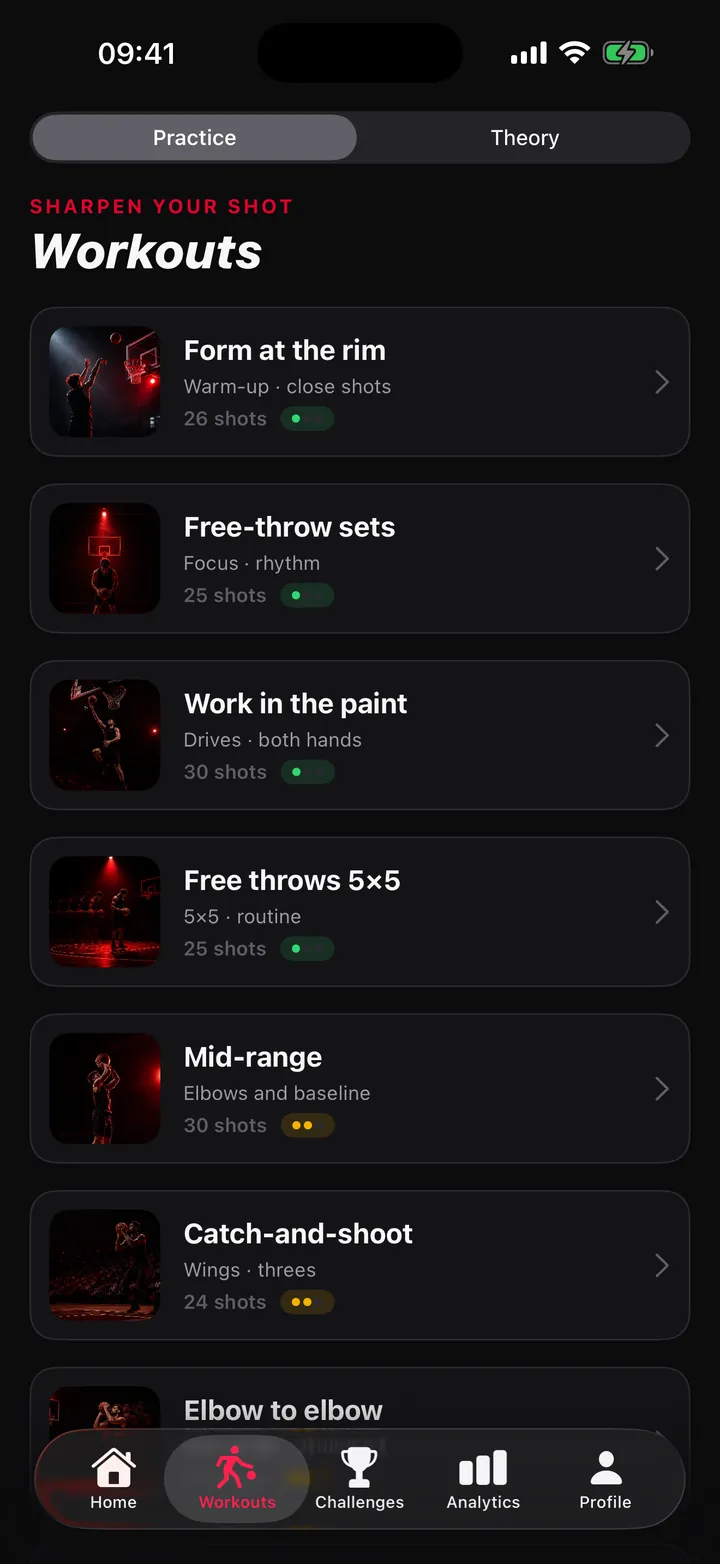
Workouts
11 workouts
A set number of shots from each spot.
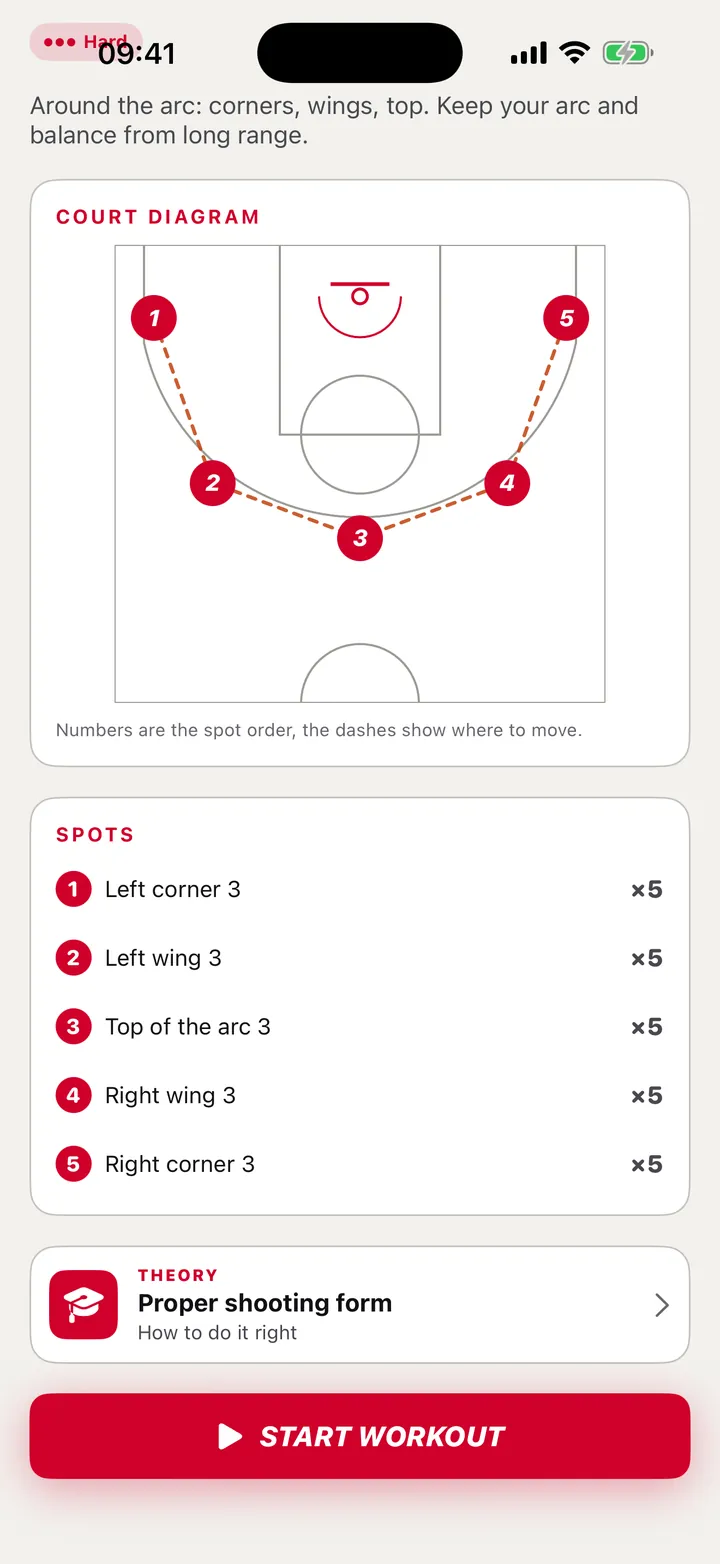
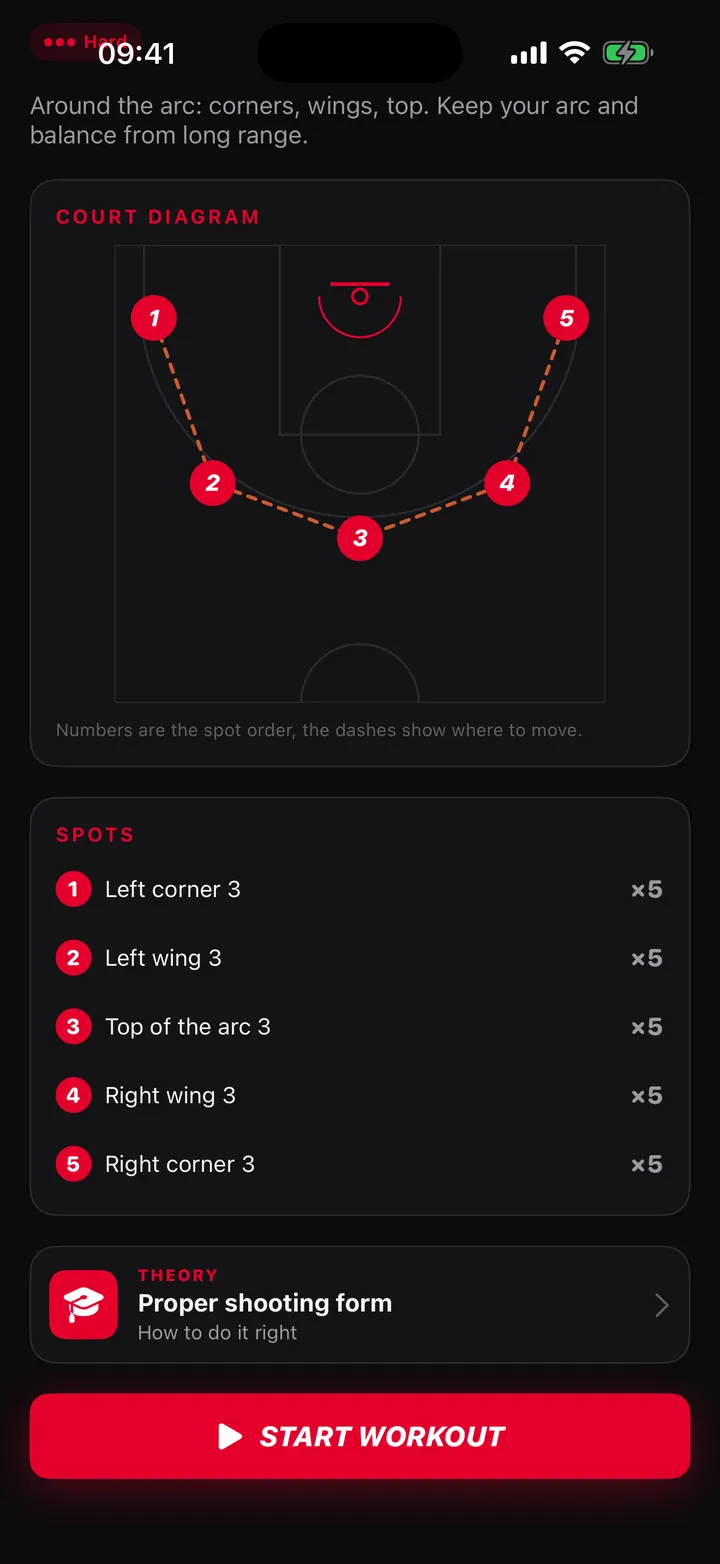
Before the start
Spots on the court
Where to shoot from, and in what order.
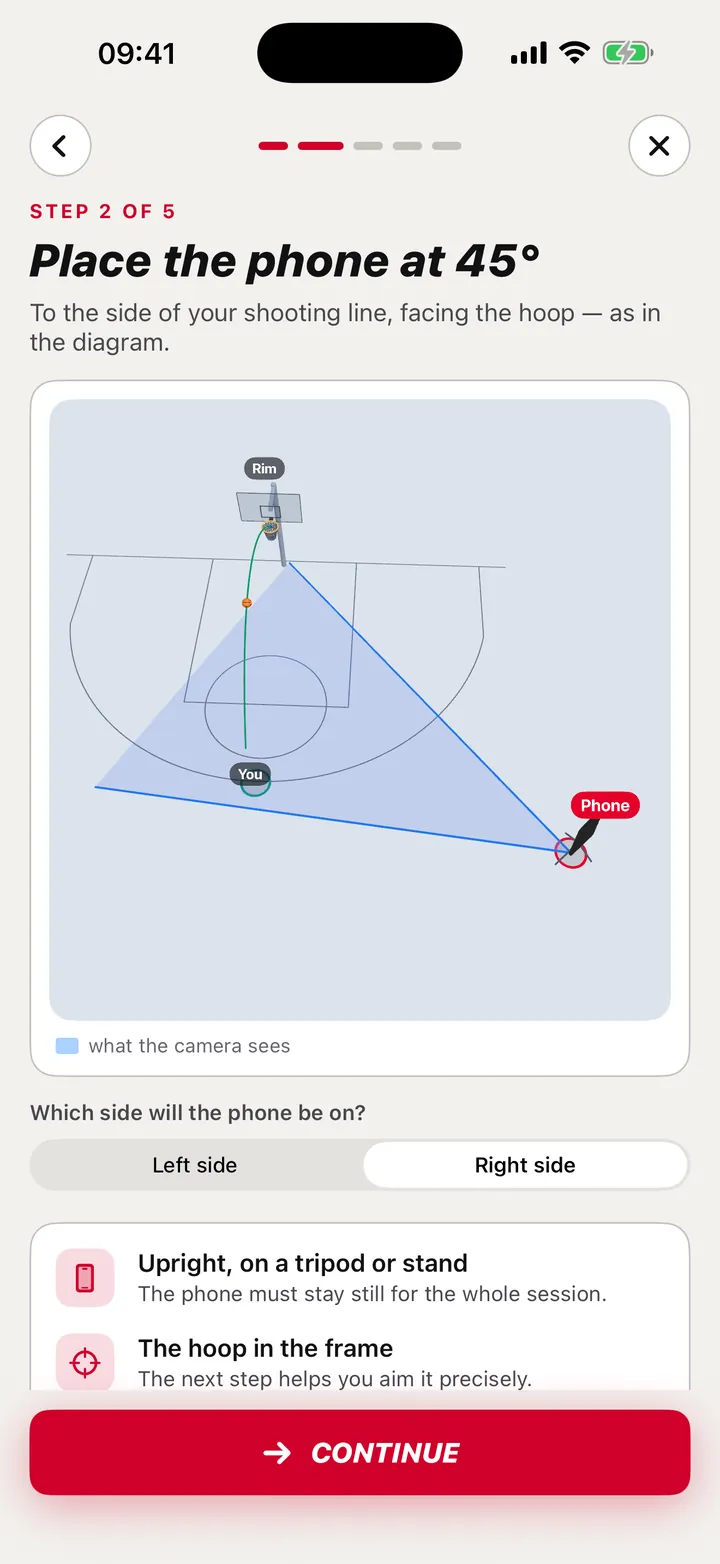
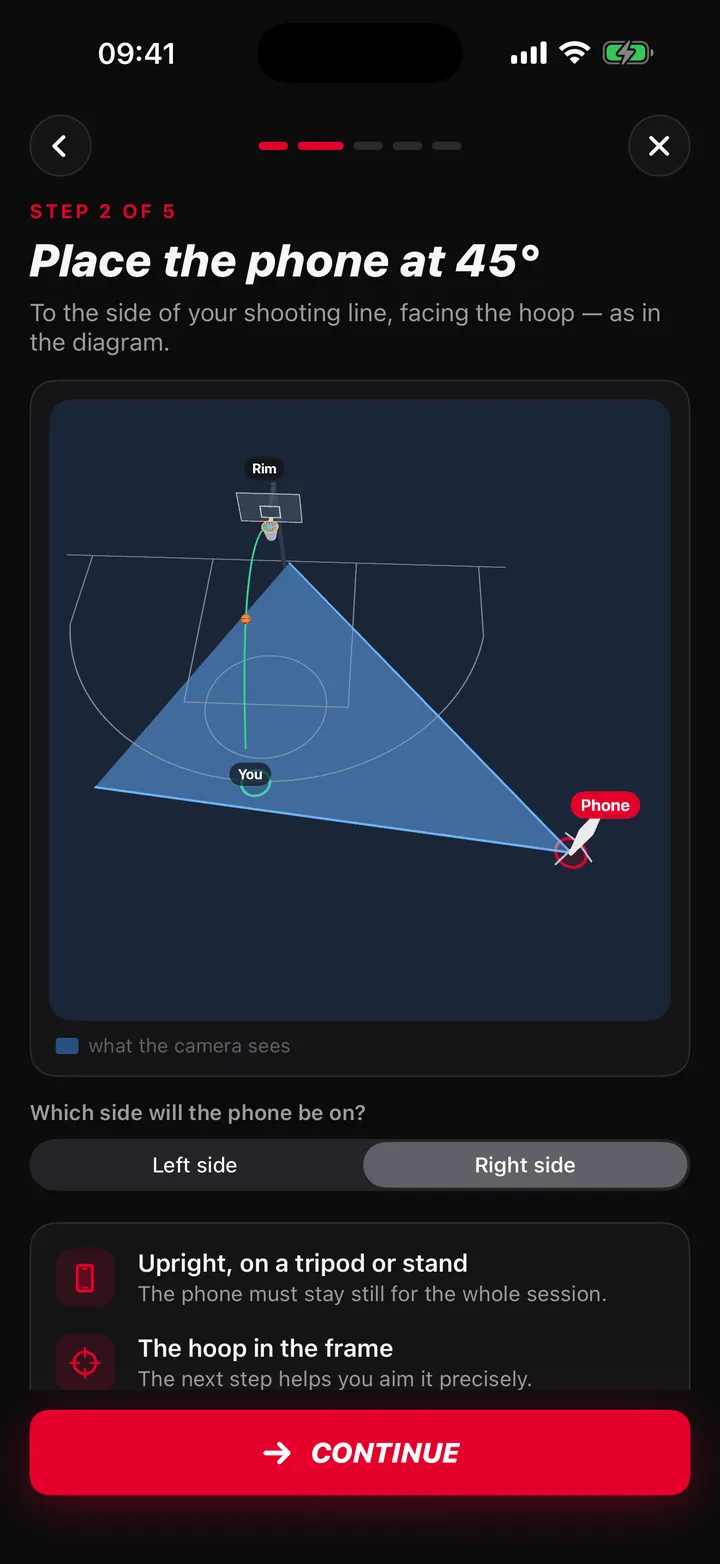
Camera setup
Place the phone at 45°
At the side of the court or at about 45° to the hoop, with the whole hoop and backboard in the frame.
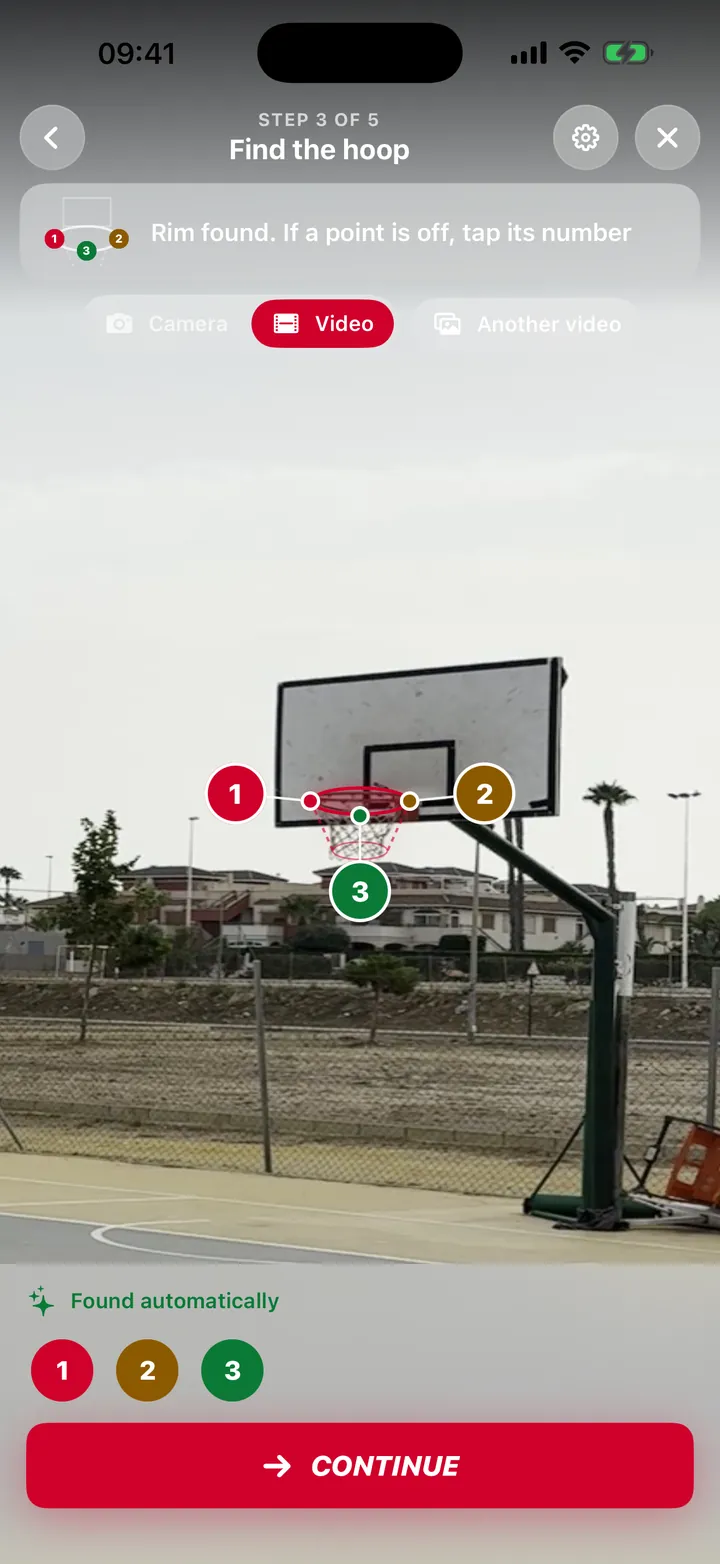
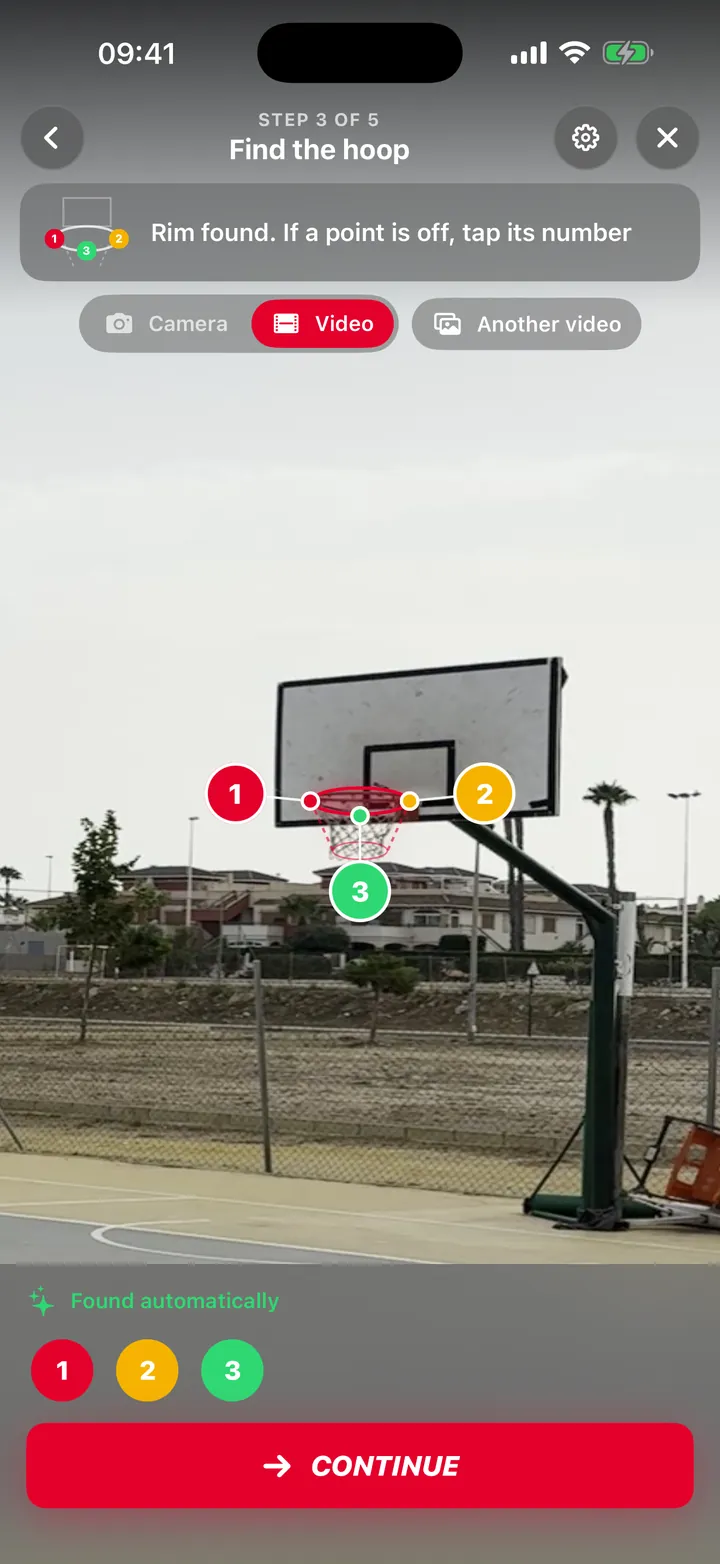
Rim check
It finds the rim
The app finds the rim itself and you check it.
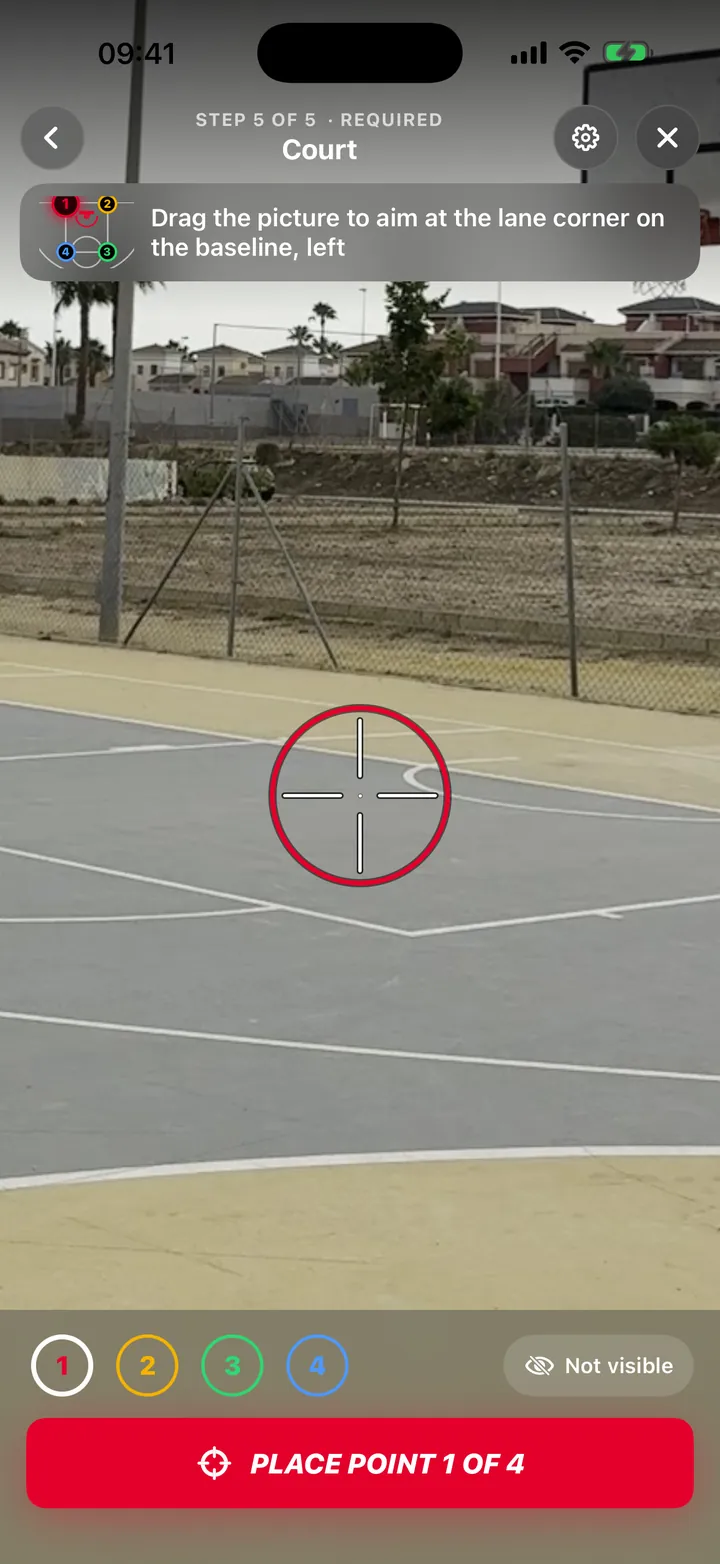
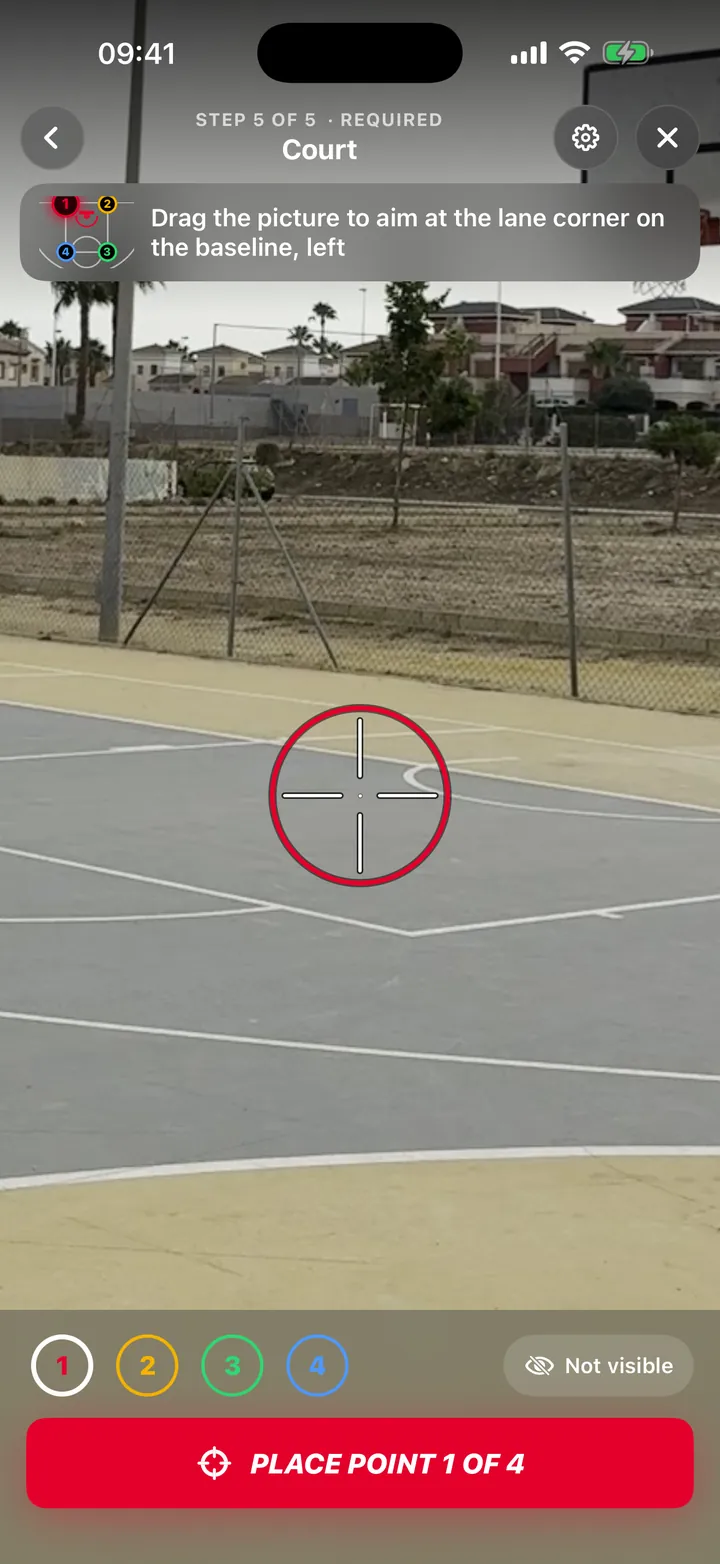
The paint
Mark the corners
At least 3 of the 4 corners of the paint, for workouts and challenges.
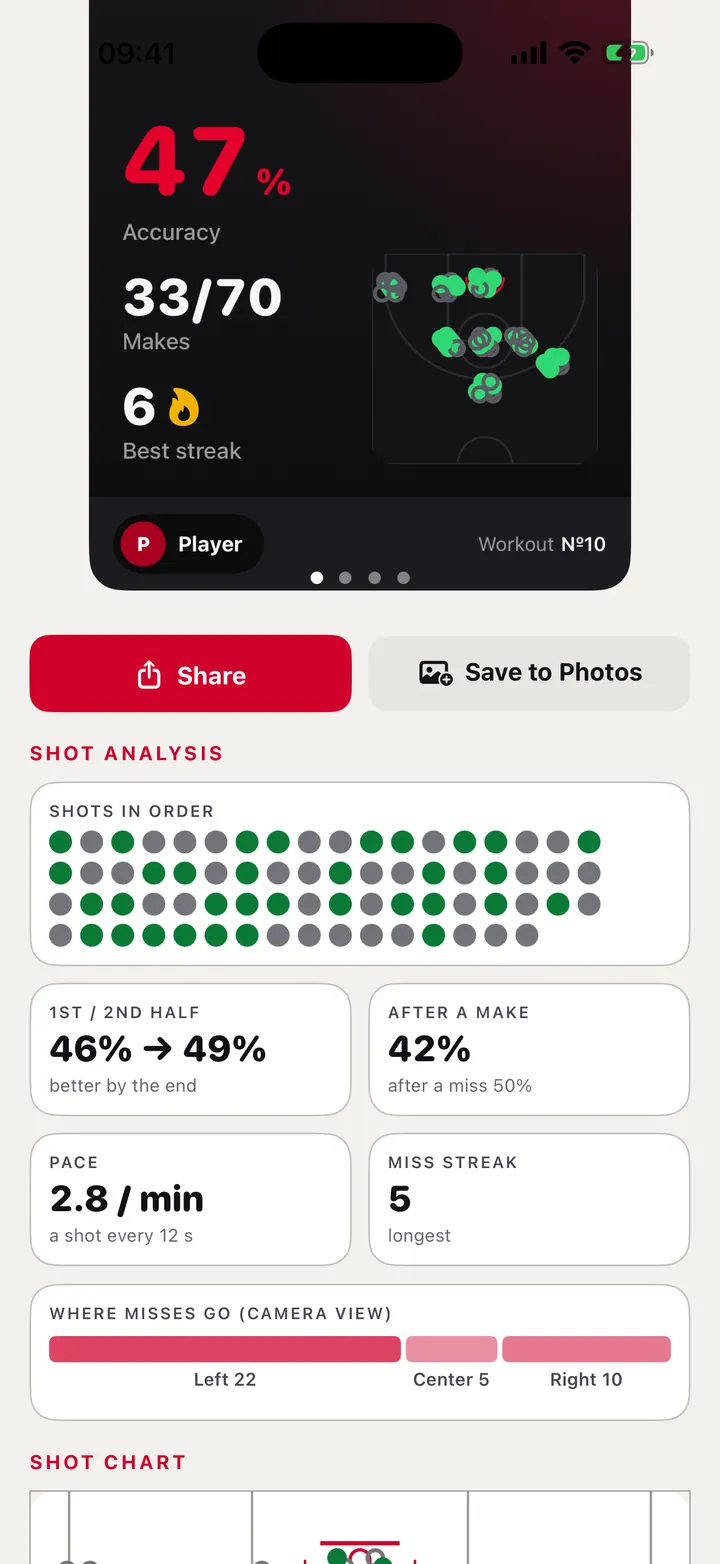
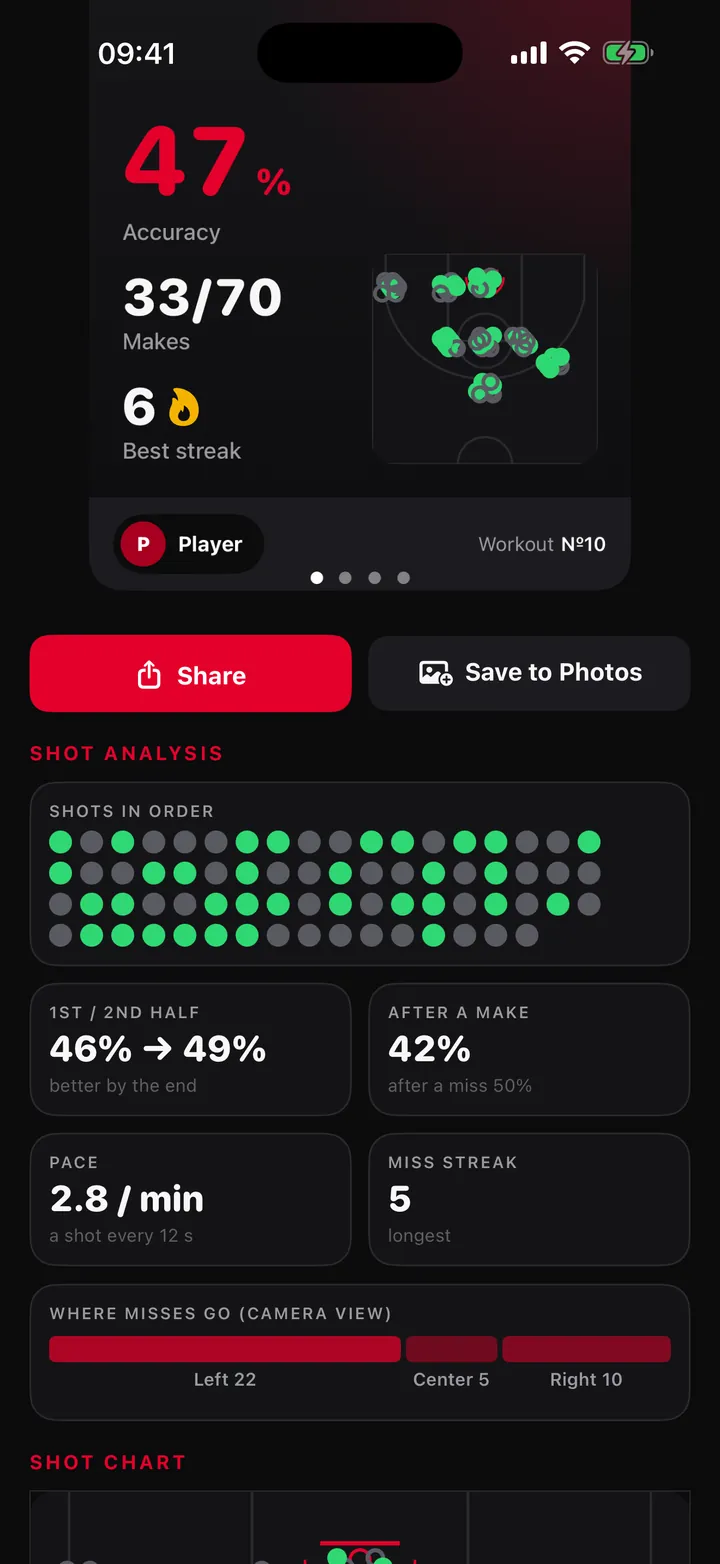
Session summary
Results, then a video
Results and an automatically built short video to save or share.
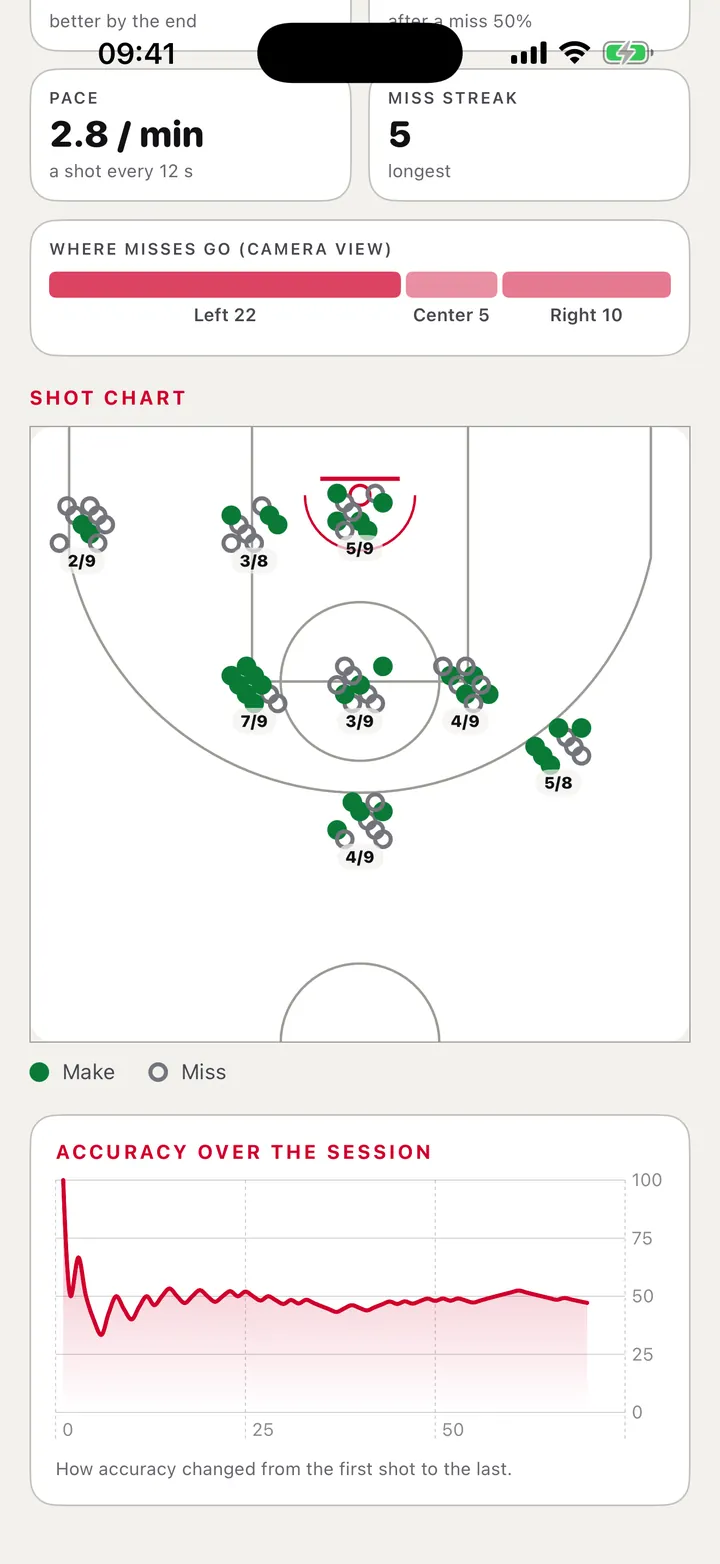
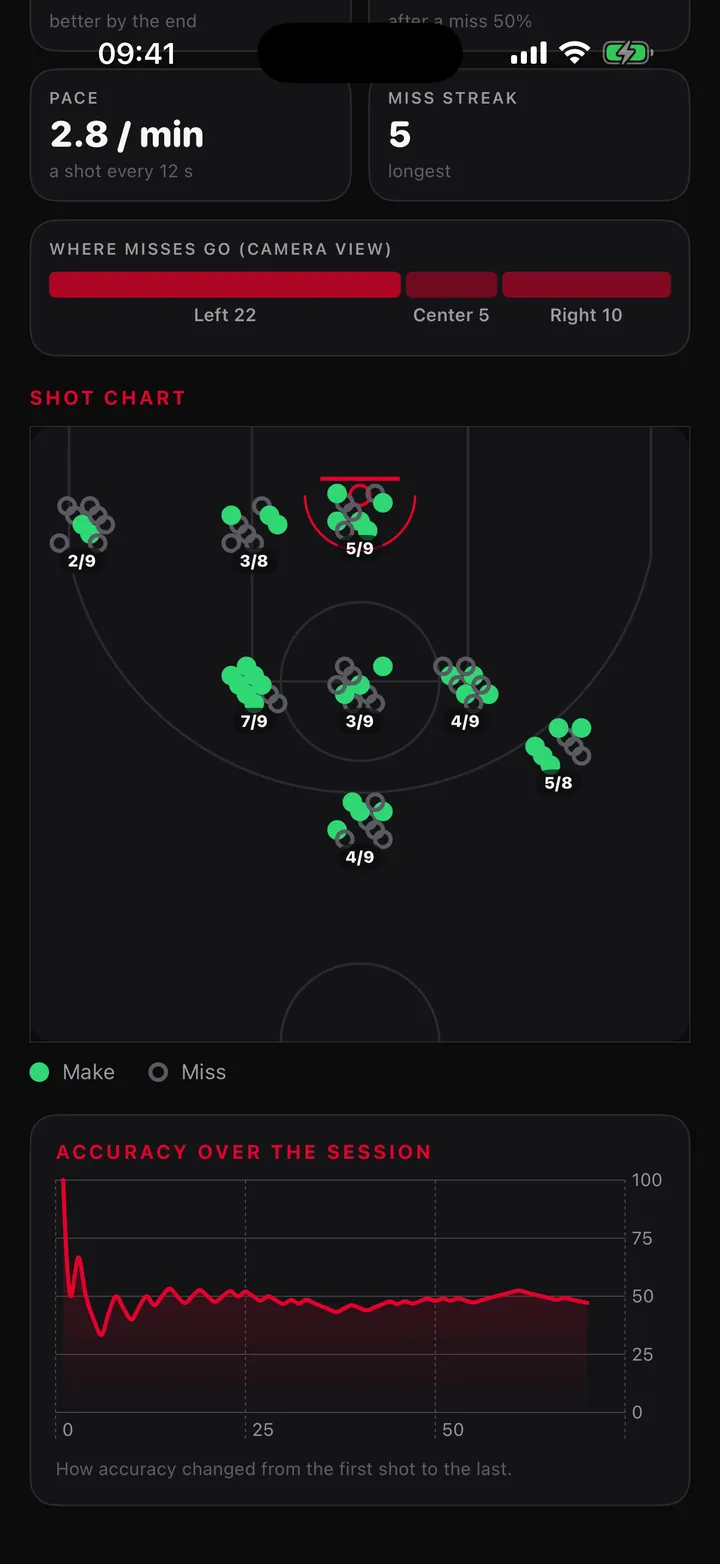
Shot chart
Where each shot came from
A chart of every shot in the session.
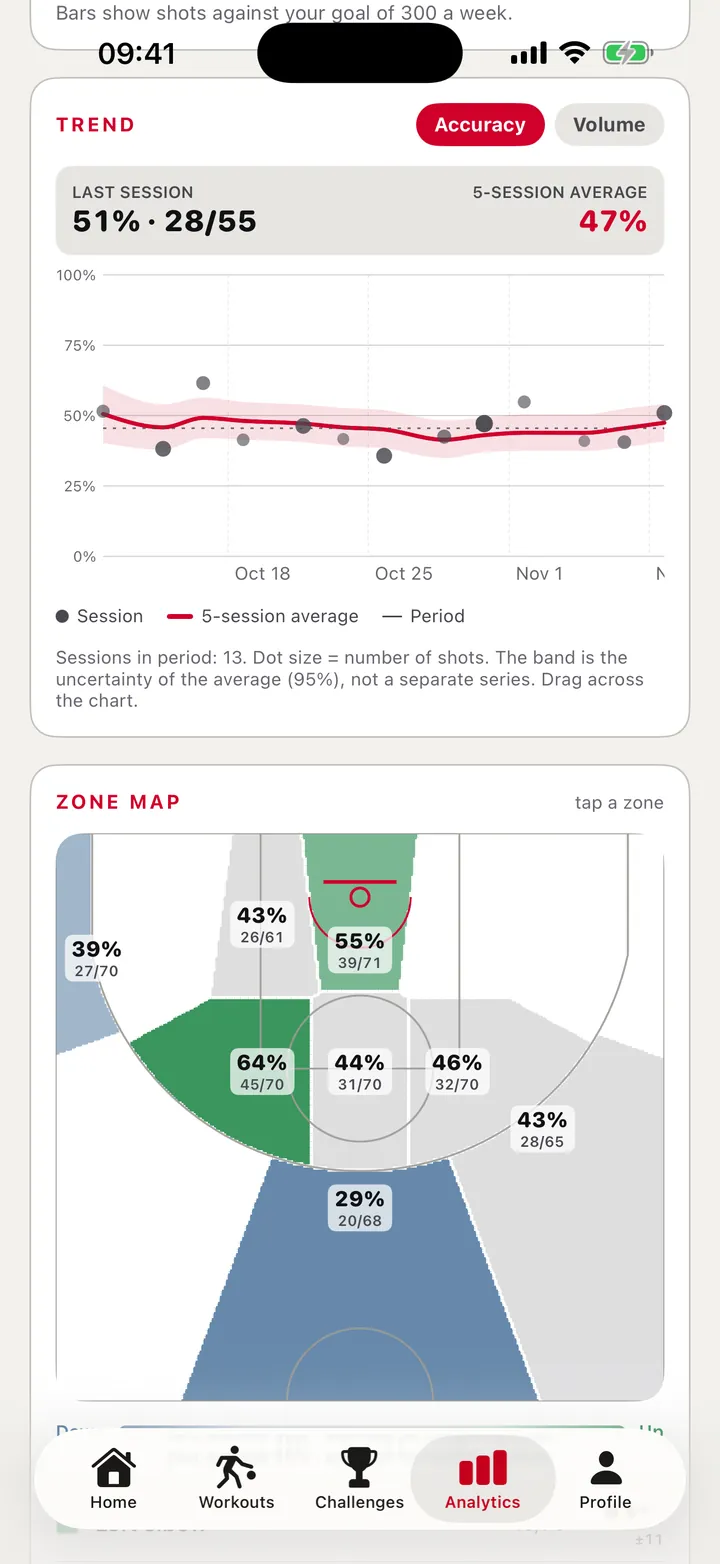
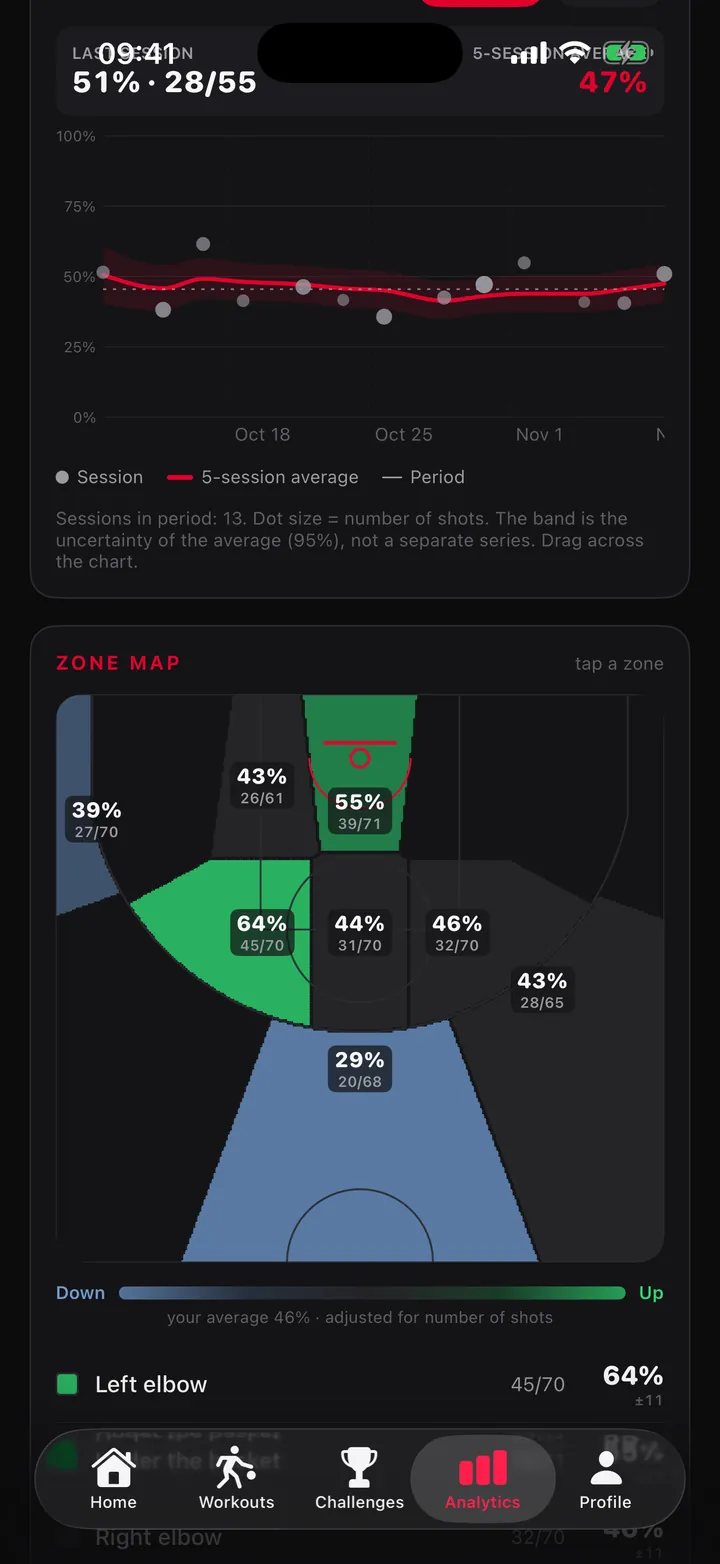
Analytics
By zone and over time
The zone map and the trend across sessions.
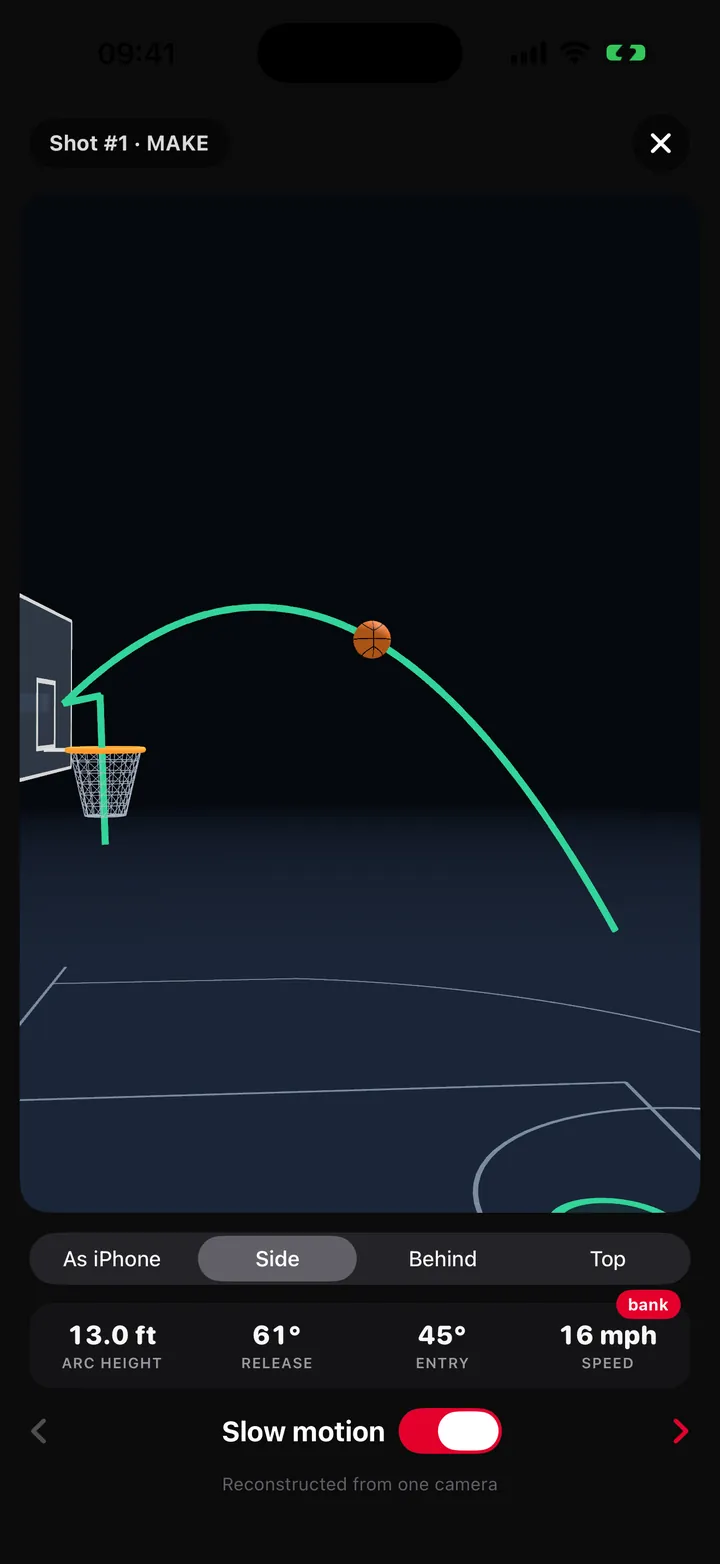
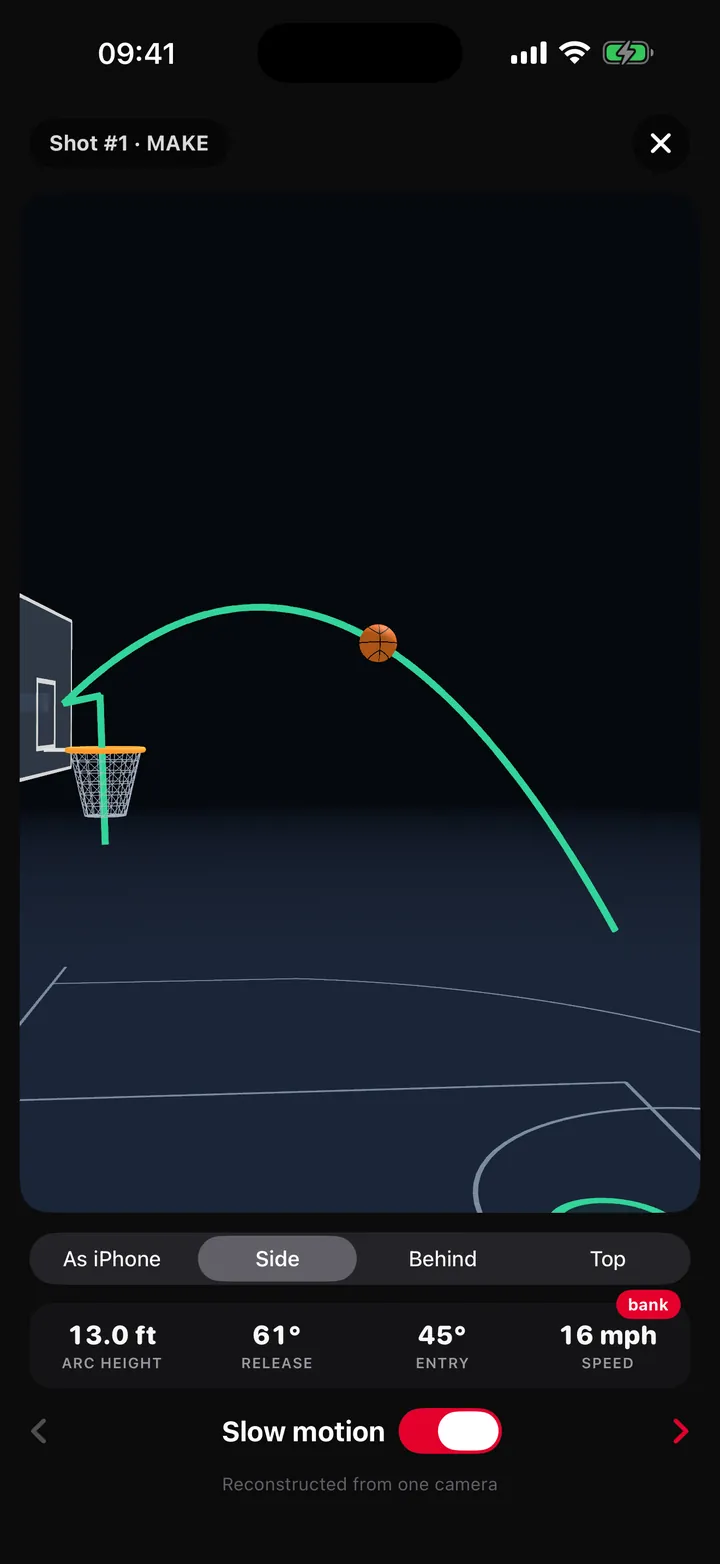
3D replay
Replay it in 3D
Reconstructed from one iPhone camera, with iPhone, side, behind and top views.
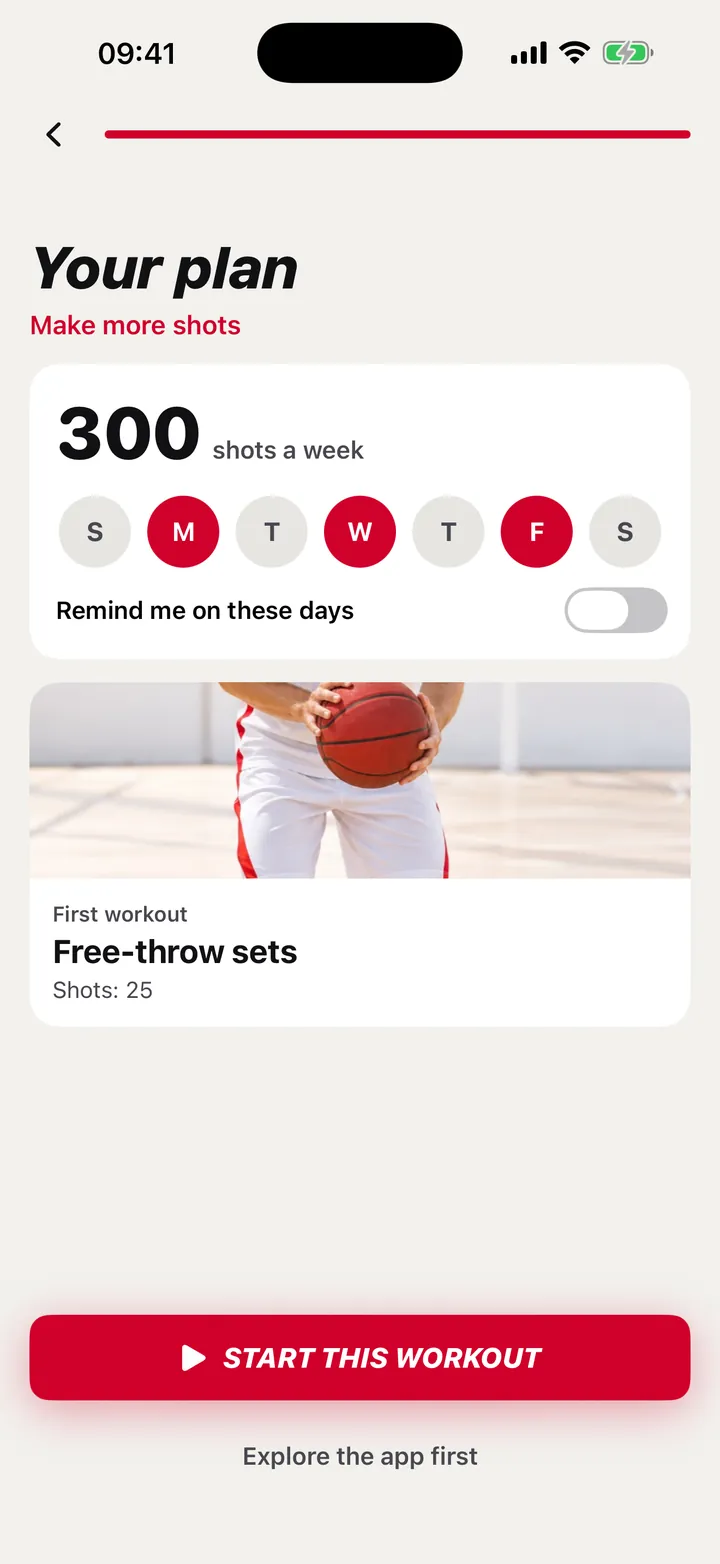
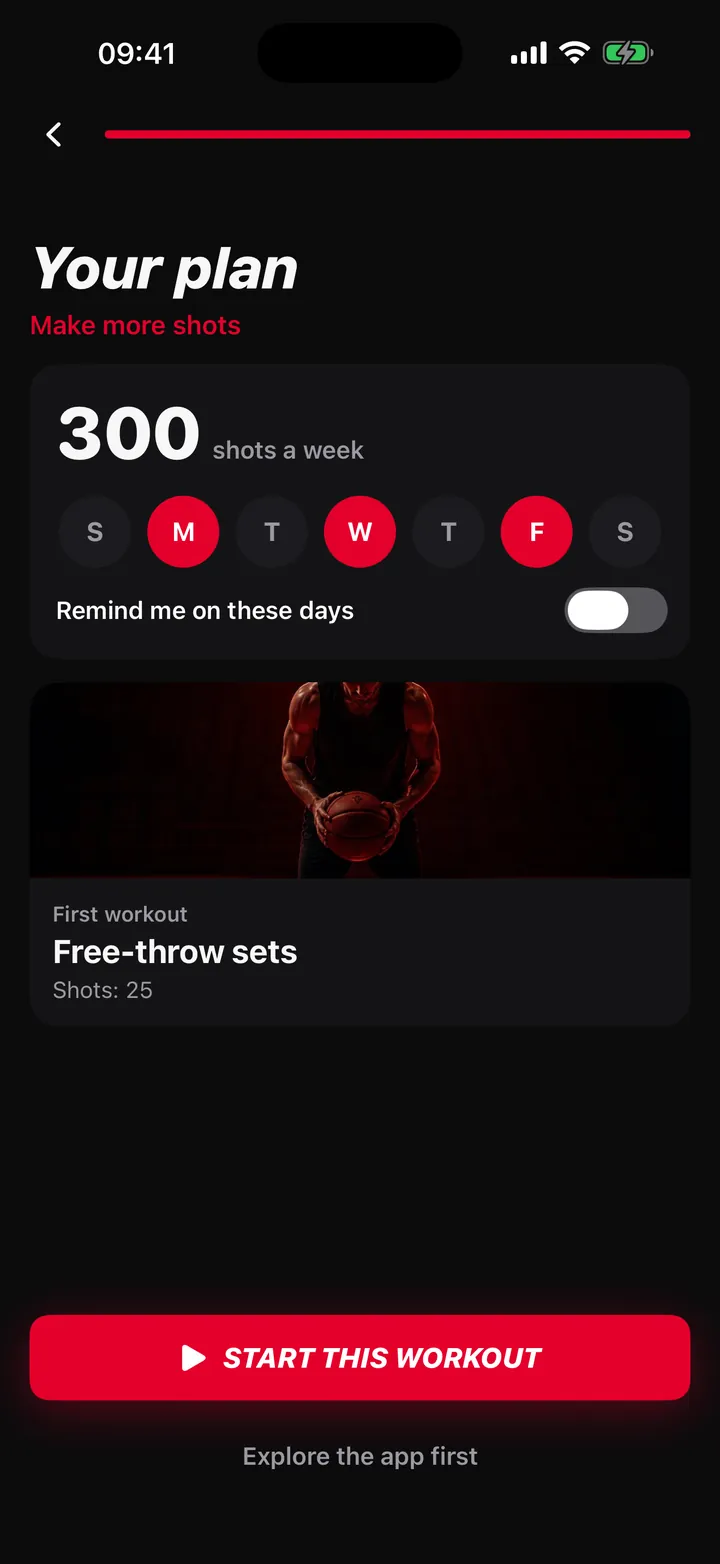
Weekly plan
A plan for your week
Built from your goal, level and training days, with reminders.
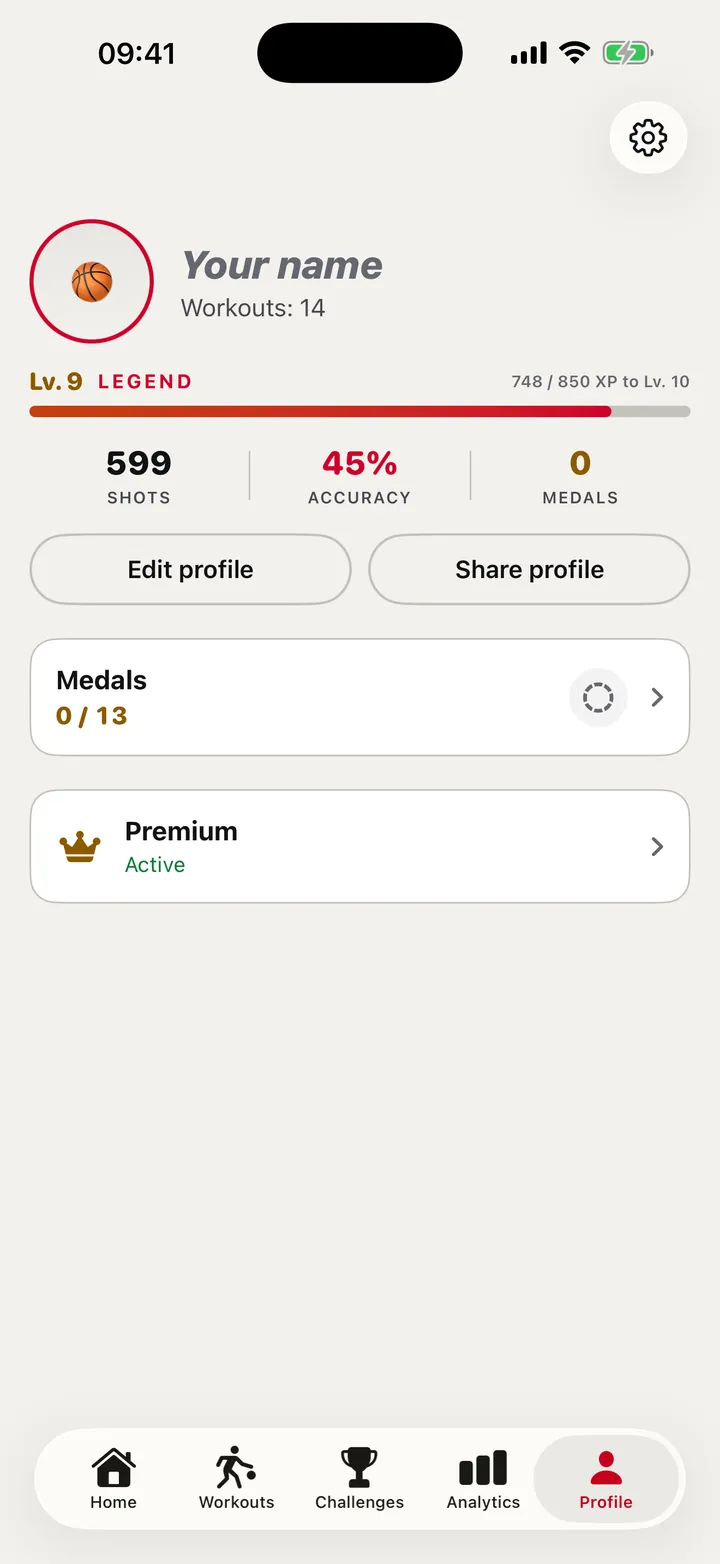
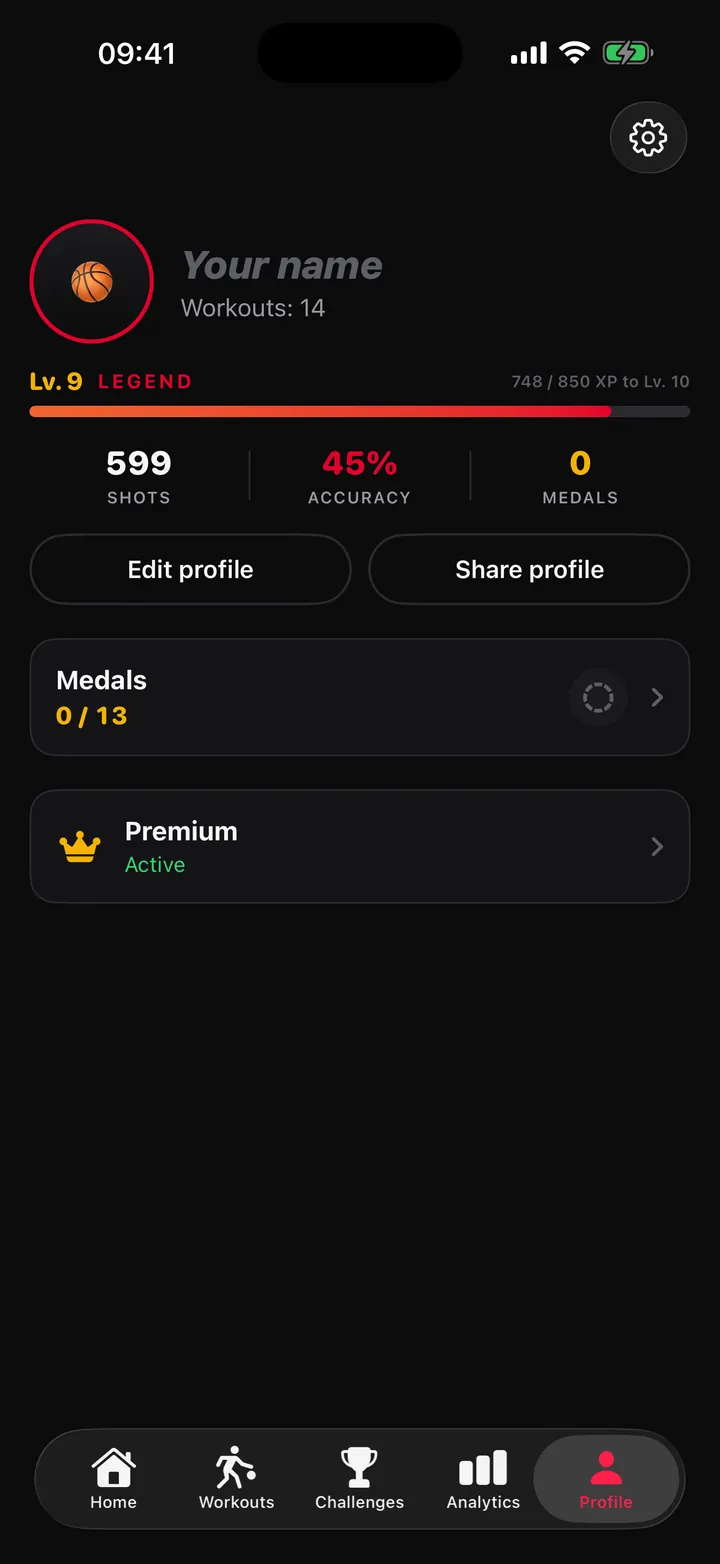
Profile
Your profile
Workouts, day streak, level, accuracy and medals.
What is inside
More than a counter
11workouts
A set number of shots from each spot.
13challenges
Bronze, silver, gold and platinum medals. Medals come from accuracy; platinum also has a time limit.
19lessons
Shooting form, footwork, rules, court zones and gear. Several have interactive court diagrams and play walk-throughs.
Weekly plan
Built from your goal, level and training days, with reminders.
Analytics and 3D replay
Analytics by zone and over time. 3D replay of shots when the backboard is marked.
Being tested in the beta
Sound guidance
When a spot is finished, a melody leads you to the next one, rising and speeding up as you get closer, with a chime on arrival and an arrow on the video.
App language: English, Russian and Spanish. iPhone only, needs iOS 26.1 or later.
Under the hood
On the device
The real ball track from one shot.
Detector speed per frame on iPhone 16 Pro Max. One model, not the whole pipeline.
Running together on the phone
Several vision models, running together.
Decision
Make or miss comes from the ball’s flight path around the rim.
Position
The app works out where you stand on the court.
Setup
The app finds the rim itself. You check it and mark the court.
By design, the app processes everything on the phone: no network code, no account, no analytics SDK. The test version is different. The test version sends usage data and any feedback you choose to send, only with your consent. Camera video is never sent.
Where it’s heading
A direction being explored
A research reconstruction from one video: the player’s skeleton and the ball while dribbling. Dribble tracking is not in the app yet.
Results so far
Early numbers, with their limits
of 40
In an early internal test, it called make or miss correctly on 36 of 40 shots it detected: one player, one court, 45° camera.
Thresholds were tuned on those same videos, and 11 more shots in them were not detected at all.
of 6
On a new 72-second video nothing was tuned on, it detected 6 of 8 shots and called 5 of those 6 correctly.
All numbers above are from one player and one court. A test of the current build on court and the beta test itself are still to come.
Limits
What it can’t do
The phone must not move
If it does: pause and recalibrate. The score stays.
Missed shots
Shots the camera doesn’t catch are not counted. You can add them by hand.
Staying in view
If you leave the camera’s view, the position is lost and the sound guidance goes quiet until it sees you again.
Without the marked corners a workout can’t start, because the app must know where you stand.
Closed beta
Apply for the beta
A closed beta through TestFlight is being prepared. Testers are recruited here first, then invited.
It needs an iPhone on iOS 26.1 or later. Places are limited.
What is stored: your email, your answers and your optional note, in an email to CurrentSky. Why: to invite you to the beta test. You can withdraw at any time by writing to info@currentsky.es.
A CurrentSky project, built solo by Stanislav Gatin.